FTC warns apps track TV viewing via microphones
The Federal Trade Commission found that some apps use phone microphones to log background TV activity for advertising purposes.
By Samantha Reed ·
The Federal Trade Commission issued a warning to app developers after finding software that used phone microphones to track television viewing. The agency identified several applications capable of listening for inaudible audio signals in TV commercials while running in the background. This capability allowed the apps to identify which programs or advertisements were playing nearby and create logs of that activity for analytics.
The FTC stated that users needed to be informed about this type of tracking. The warning came from an investigation into how mobile devices handle audio input. The agency found that these apps accessed the microphone to build profiles of user behavior.
Apple explained that iPhones listen for specific reasons related to functionality and user interaction. One primary reason is to activate voice assistants like Siri or Google Assistant. When these features are enabled, the phone listens for a wake-up phrase. Apple says that once activated, the device may send audio to servers for processing.
Another reason phones use the microphone is to support app features. Applications such as Facebook and TikTok require microphone access to record video, send voice messages, or facilitate calls. During these activities, the phone is actively listening to the user's input.
Some companies also process voice recordings to improve voice recognition. This process helps the system better understand speech patterns and accents. Apple offers this specific feature as an optional setting for users who want to refine their assistant responses.
There is no public evidence that social platforms like Facebook routinely record entire conversations to target advertisements. However, audio information collected through phone microphones has been sent to companies other than Apple or Google. The FTC finding confirms that this data exchange occurs in specific tracking scenarios.
Users can take steps to limit how often their phones listen to them. One method is to turn off the wake-up phrase listening feature. Users can do this by going to Settings, then Apple Intelligence or Siri, then Talk and type to Siri, and selecting Off.
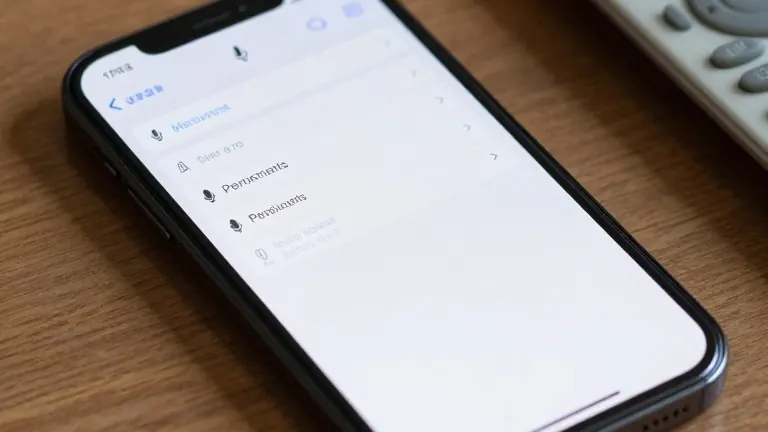
Phone owners should also review their microphone permissions. This can be done by navigating to Settings, then Privacy & Security, and then Microphone. Users should turn off access for any applications that do not strictly need the microphone to function.
A small orange dot appears at the top of the screen when the microphone is in use. Users should keep an eye out for this indicator to know when their device is capturing audio. Reviewing permissions for the camera and location services is also recommended to manage data sharing.
Advertisers have access to extensive information about users beyond audio. This data includes behavior, shopping habits, locations, and interests. This information allows companies to predict what a user might want before the user searches for it. The digital footprint created by internet and smart device usage remains trackable even when the microphone is not actively recording.